A UX/UI Designer’s Guide to Animated Content in Figma
Are you a UX/UI Designer looking to improve your website and product designs with eye-catching visuals? In this article, we’ll introduce you to a powerful Figma plugin that gives you access to millions of GIFs, Clips, and Stickers.
Visual Asset Plugins in Figma
Figma’s Community Marketplace offers a wide range of visual asset plugins that empower designers to easily bring their ideas to life. Whether you are a Product Designer, Web Designer, or Graphic Designer, these plugins provide access to millions of free resources, helping you add creativity and engagement to your personal or non-commercial projects. Visual asset plugins help streamline workflows, save time, and enhance the overall user experience with high-quality elements at your fingertips.
One such plugin that stands out is KLIPY, which provides access to millions of free animated GIFs, Clips, and Stickers. Let’s dive deeper into how KLIPY can transform your Figma design projects.
What is KLIPY?
KLIPY is a powerful tool that helps designers incorporate engaging animated content into their projects with ease in Figma. It simplifies the process of finding visual elements within Figma.
Key Benefits of Using KLIPY in Your Figma Workflow:
Boost Engagement: Add dynamic elements to your UX/UI designs with high-quality GIFs, Stickers and clips.
Save Time: Quickly find and integrate visuals without leaving Figma.
Enhance User Experience: Make interfaces more interactive and visually appealing.
How to Install the Plugin in Figma
Installing KLIPY from the Figma Plugins section is quick and easy. Follow these simple steps:
Once the plugin opens in Figma, you’re ready to start using KLIPY’s free assets in your designs.
How to Use KLIPY in Your Design Projects
Once you’ve installed the plugin, follow these steps to leverage KLIPY’s extensive collection of Figma Resources:
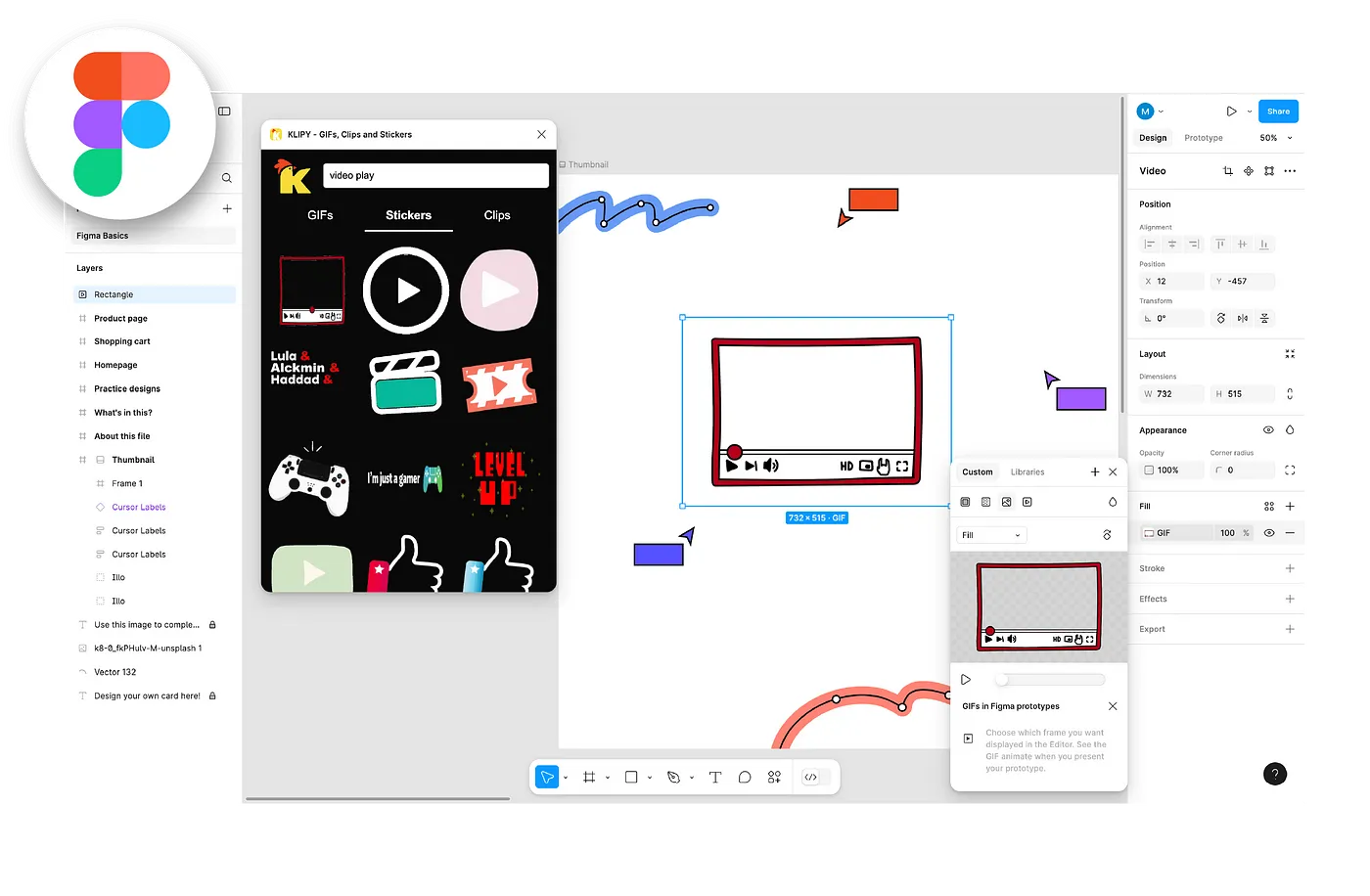
Launch KLIPY: In your Figma project, go to Plugins > KLIPY to open the library.
Search for Assets: Use keywords to find the perfect GIF, clip, or sticker for your project.
Drag & Drop: Simply drag and drop assets into your design frame.
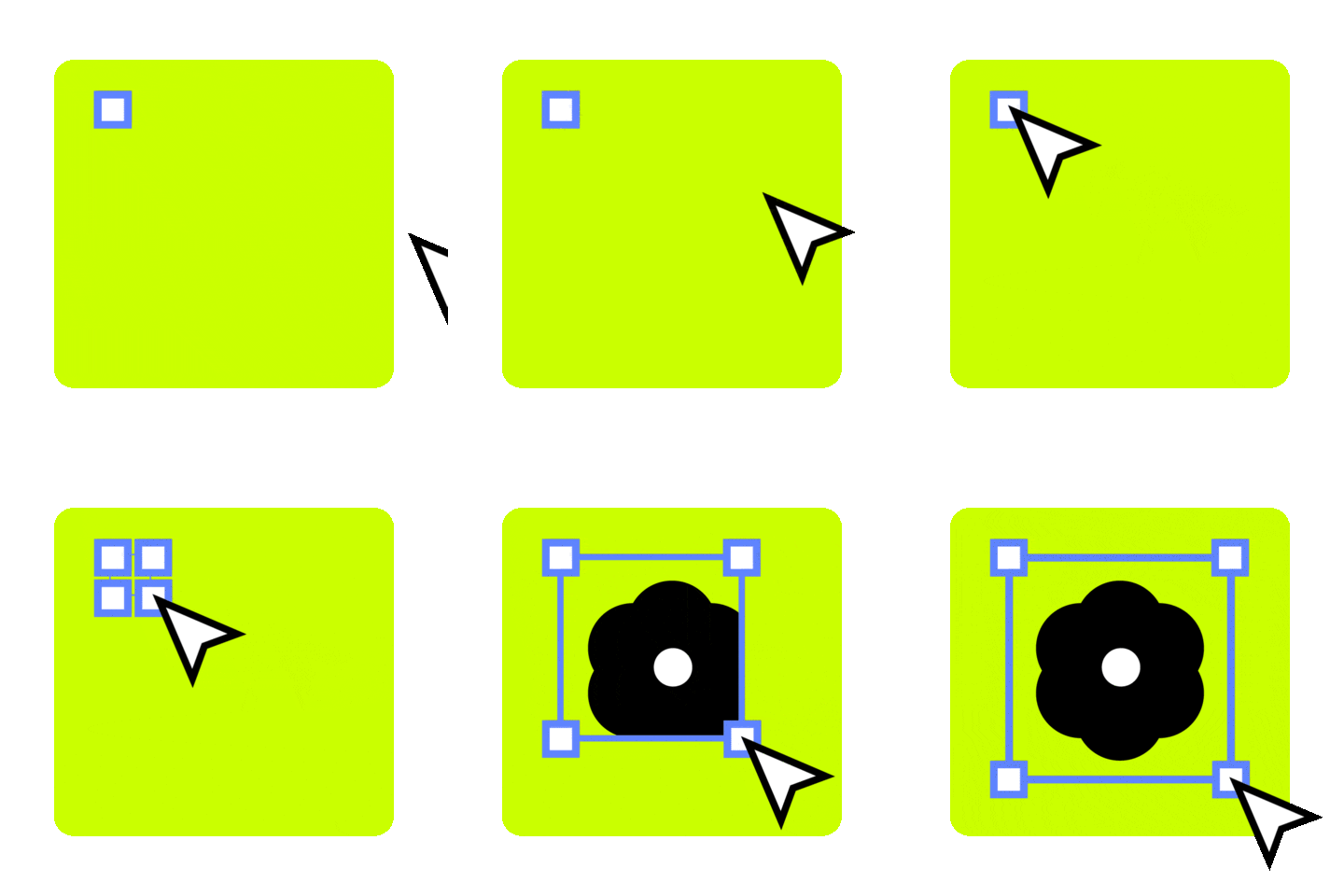
Customize: Adjust the size and placement to fit your design needs.
Why UX/UI Designers Love KLIPY
UX/UI designers are constantly looking for ways to improve user engagement and make their designs stand out. Thousands of designers already love KLIPY for its ease of use and vast asset library. With KLIPY, designers can:
Add motion and personality to their UI elements.
Access an ever-growing library of visual assets.
Create unique experiences that capture users’ attention.
Pro Tips for Designers
Create Your Own Content: Take your creativity to the next level by using KLIPY’s website tools to turn your favorite videos into GIFs and Clips. You can also design unique Stickers or try the most popular feature - KLIPY AI, which generates GIFs from text prompts. After creating your content, set keywords, titles, and tags, and once published on your KLIPY account, you’ll be able to find it instantly in the KLIPY plugin within Figma by searching the keywords you’ve set.
Use Stickers for Microinteractions: Stickers can help convey emotions and guide users seamlessly.
Optimize for Mobile: Ensure your designs maintain responsiveness when using animated elements.